TROUBLESHOOTING
Printing Problems
Q: Problem with first layer printing
Q: The filament doesn't stick onto the build plate.
- A1: The gap between nozzle and build plate is too big.
- A2:The build plate has not been leveled yet.
- A3: Kapton tape has not been sticked on the build plate yet; or the non-sticky top layer of the Kapton tape is not removed.
- A4: The first layer’s height is too small, recommended setting as ≥0.2
Q:Litte filament stick onto the build plate.
A: The gap between nozzle and build plate too small which may cause the nozzle clogged.
Q: No filament output from the nozzle.
A: The filament has not entered into the end of the nozzle yet when you feed the filament.
Q: The edge is lifted, or the print cracked while printing with ABS filament
Please keep the build plate heated continuously; Change a new Kapton tape; Slow down the printing speed of first layer; Use the enclosure plate to keep the constant temperature while printing; Avoid air condition’s blowing directly; Inside ventilation should not be so strong.
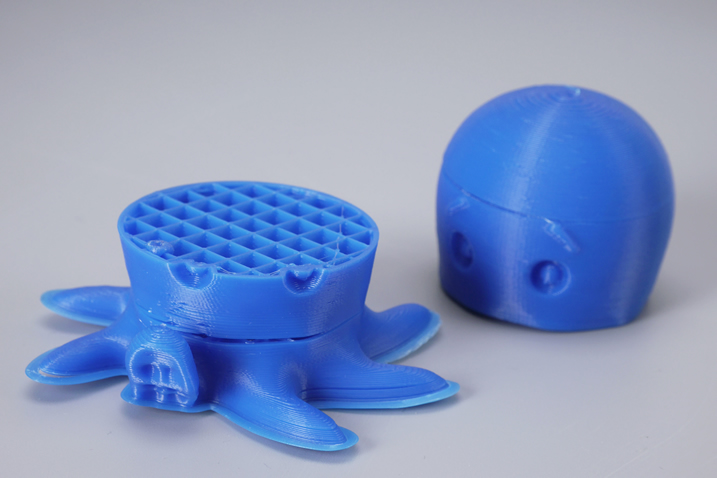
Q: Model surface is loose with crack
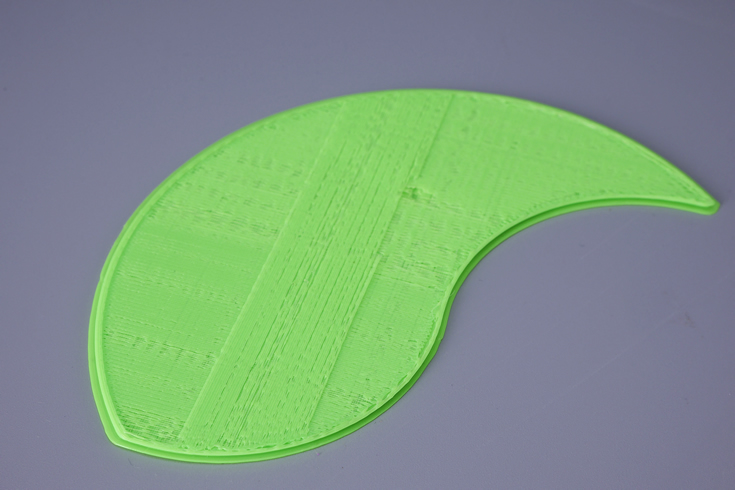
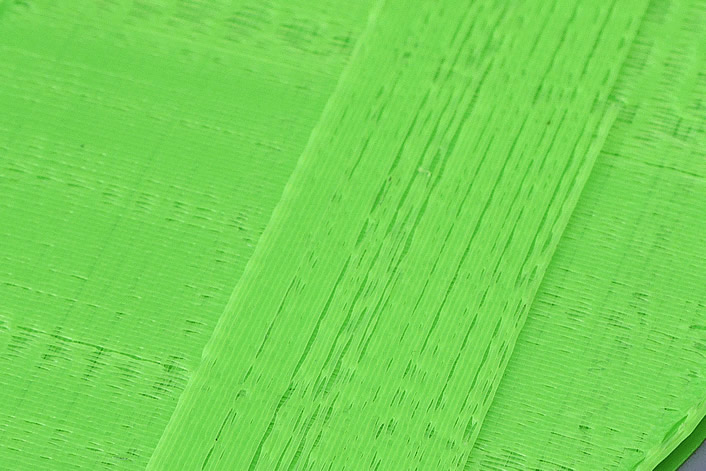
A: The layer thickness is too big; Or printing speed is too high( the nozzle temperature needs to do responded balance to have a faster printing speed); Or the temperature is too low; Or
the wall thickness is too think; Or 3D model is not completely closed solid; Or the feeding device’s fixing screw is too loose; Or wrong choice of filament diameter; Or filament quality is poor; Or the filament gets stuck and could not be fed smoothly.
Q: Model has flow line
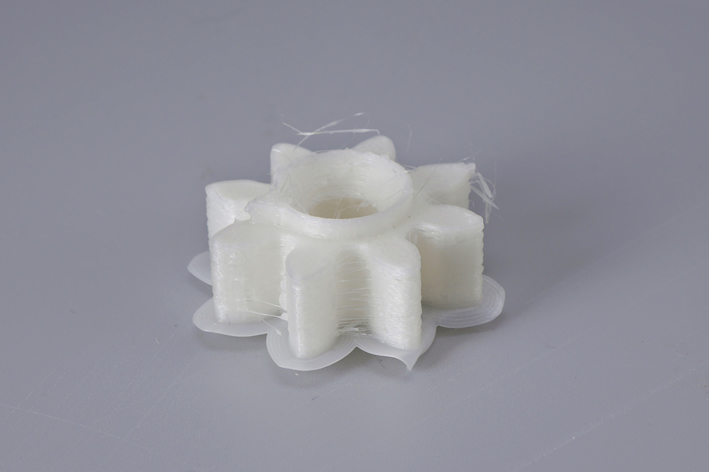
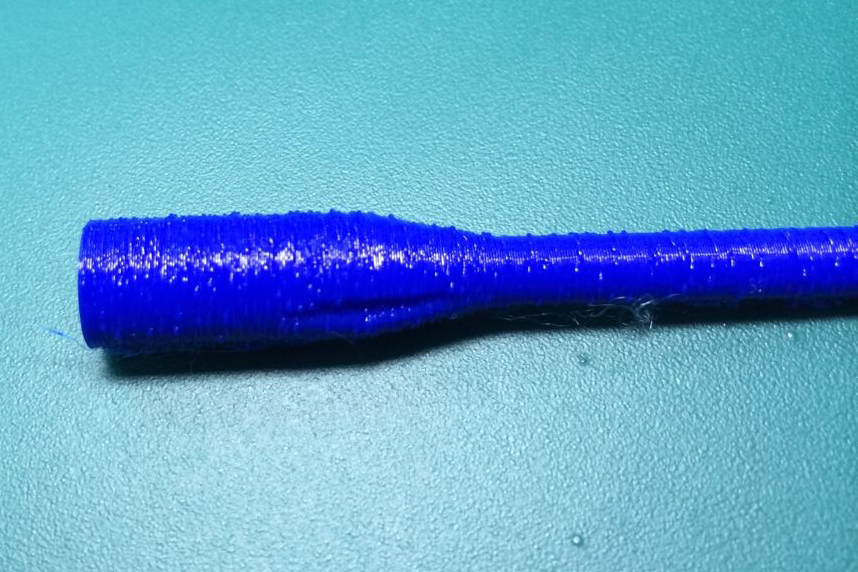
A: Temperature is too high; Or the filament is carbonized or liquefied(PLA will get liquefied if over-high temperature, ABS will get carbonized if over-high temperature)If still cannot solve the problem, please contact with our technical support team at support@mankati.com
Q: Model surface is unsmooth
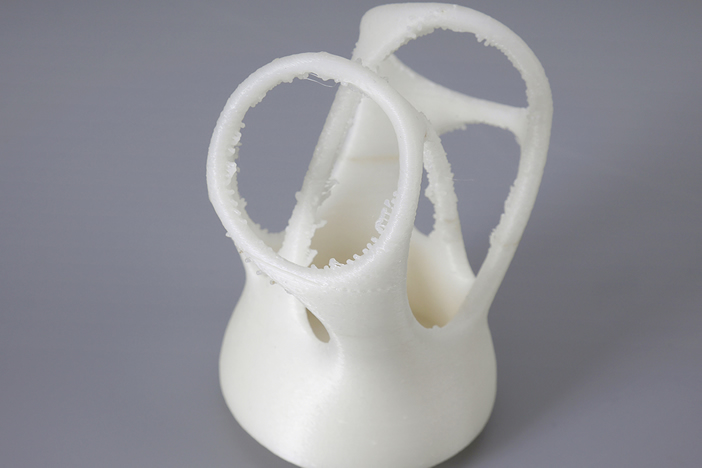
A: Reduce the retraction travel; Or reduce minimal extrusion before retracting;
Note: Please reduce the retraction amount if retracting frequently.
Q: Model is easy to fall off
A: Having not used the Kapton tape or the Kapton tape loses stickiness; Or the model bottom is too small, you can use a hot melting glue gun to help; Adding support structure to support model; Using the feature in MankatiUM of Advance-Quality-Cut off object bottom.
Q: There is the joint dislocation between the parts while dual color printing.
A: Q: There is the joint dislocation between the parts while dual color printing.
Q: Hard to remove the support structure
A: Turn the direction of model properly in MankatiUM; The support density should not be set too high; Divide the model into different parts to print if necessary.
Q: Failed prototyping of small model
A: If printing a small model, the extruder will always move in a small space, so the heat will be concentrated in the model, and hard to be distributed.
That's why it is hard to print the very small model.
The solution is to print 3-4 pieces of the small model together. If so, the extruder will move among different models, leaving time for heat dissipation.
Q: Mankati Fullscale XT stops suddenly sometimes
A: 1. Gcode file saved incompletely.
2. USB connection cable has problem while choosing online printing or computer is in standby model.
3. Something wrong with the power outlet.
4. If printer cannot be turned on after stopping, it means that the fuse on the power outlet should be blown out.
Q: Some part of the object unable to be modeling.
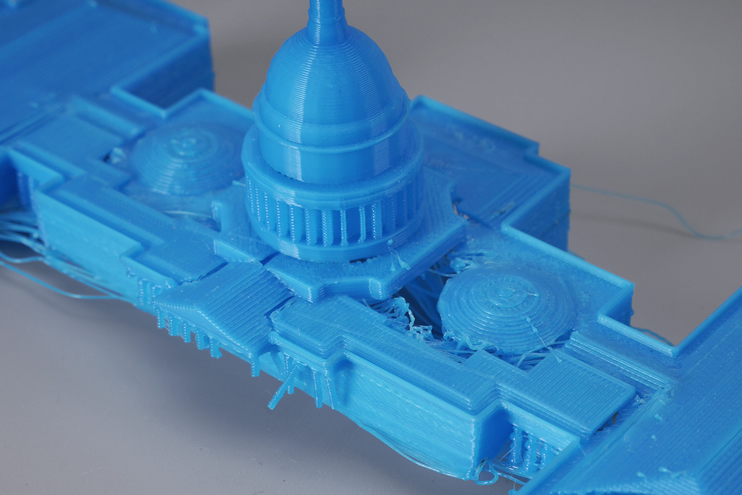
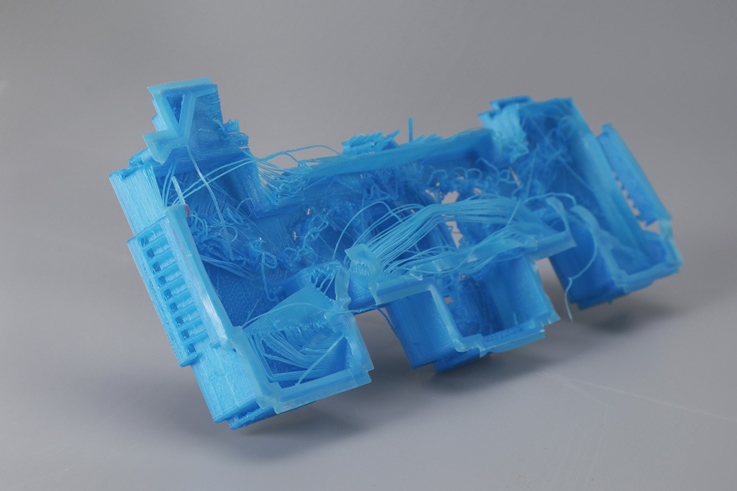
A: Try the support functions in the MankatiUM software.